

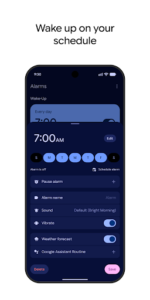
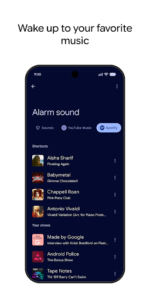
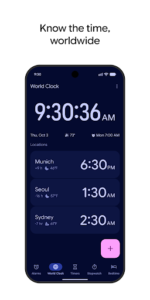
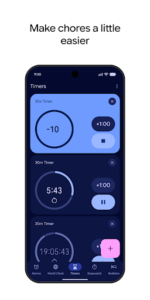
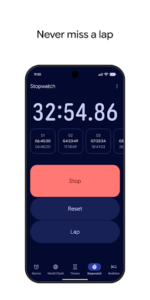
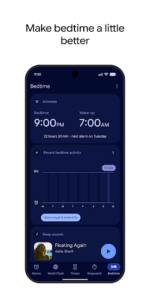
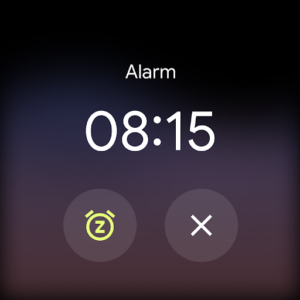
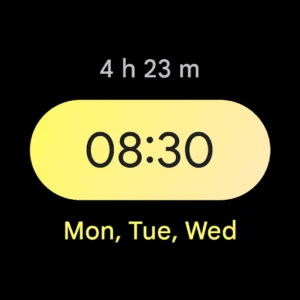
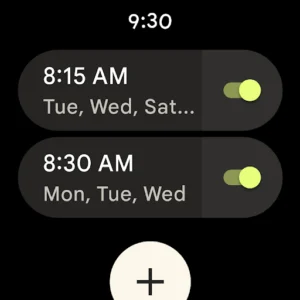
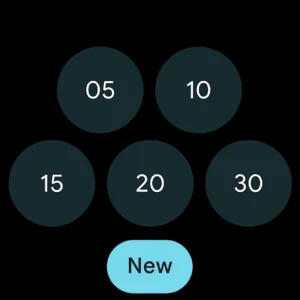
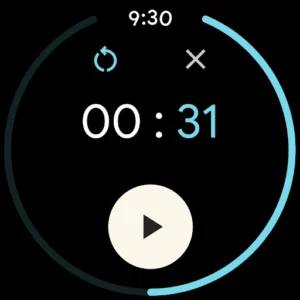
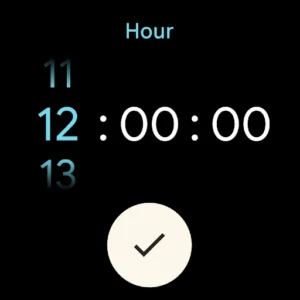
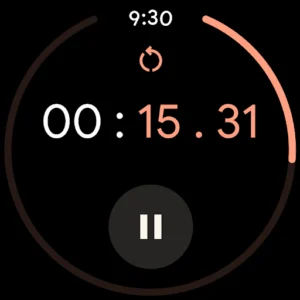
The Clock app provides essential time management tools, enabling users to set alarms, configure timers, and operate a stopwatch for various daily needs. It also features a World Clock to monitor time across different global locations, and a dedicated bedtime schedule function that includes sleep sounds and a view of upcoming events. A key capability is its ability to pair with a Wear OS device, extending alarm and timer functionalities directly to the user’s wrist through saved tiles or watch face complications.
Core Time Management
The app serves as a central hub for fundamental timekeeping tasks. Users can set multiple alarms, each configurable for specific times and days, to manage their schedule. It also includes a timer function for countdowns, useful for cooking, workouts, or other timed activities, alongside a stopwatch for measuring elapsed time with precision.
Global Time Tracking
For those who need to monitor time beyond their immediate location, Clock incorporates a World Clock feature. This allows users to add and view the current time in various cities around the globe, making it practical for coordinating with contacts in different time zones or tracking events internationally.
Bedtime and Event Scheduling
Beyond basic alarms, the app offers a comprehensive bedtime schedule. This feature allows users to establish a consistent sleep routine, which can include listening to integrated sleep sounds. Additionally, it provides a convenient overview of upcoming events, helping users prepare for their day or evening.
Wear OS Integration
A distinctive feature of the app is its support for Wear OS devices. This integration allows alarms and timers configured within the app to be seamlessly extended to a paired smartwatch. Users can interact with these time functions directly from their wrist, utilizing saved tiles or watch face complications for quick access and control.
Recent Design Update
In a recent update, the app transitioned to the Material 3 Expressive Candidate design. This change primarily affects the visual interface and user experience, aligning it with contemporary design standards.













Write a review